Typiq Blog
Tips, tutorials, and insights on touch typing, productivity, and keyboard mastery.
Why Am I Still Slow at Typing Even Though I Practice?
Typing practice only works if it targets your actual weak keys. Most practice does not, which is why the number stops moving.
Ad-Free Typing Apps for Kids: What Parents Should Check (COPPA, GDPR, Accounts)
Most free typing games for kids are funded by ads or an account. Here's what to check before you install one.
Mavis Beacon Alternatives for Mac and Windows in 2026
Mavis Beacon taught a generation to type. Here's what's changed, and which modern alternatives are actually worth your money in 2026.
Typing Tutors With a One-Time Purchase (No Subscription) in 2026
Most typing software now wants a monthly fee. Here's what you can still buy once and own.
Typing Speed for College Students: Why Lecture Notes and Essays Need Different Skills
College typing has two different jobs: catching a lecture live, and writing essays that hold up when you reread them.
Typing With One Hand: Layouts, Techniques and Realistic Speed
One handed typing can reach 20-40 WPM with practice, using either a special layout or your existing keyboard, depending on how long you need it.
The Best Typing Tutor for Windows in 2026: Native Apps vs Browser Tools
Windows has more typing tutor options than any other platform. Most roundups don't separate the ones you install from the ones that just run in a tab.
Offline Typing Tutor: Why Practising Without Internet Still Makes Sense
No wifi, no account, no tab switching. Offline typing practice is a narrower product than a browser app, and that narrowness is the point.
How to Touch Type on a Mac Keyboard (and What Is Different from Windows)
The method is identical. Three keys move, and one of them matters a lot more than you'd think.
Typing Tutors for Linux in 2026: What Actually Runs on Your Distro
Most 'best typing tutor' lists ignore Linux entirely. Here's what actually installs and runs on your distro in 2026.
Typing for Teens: How to Retrain a Fast Four-Finger Typist
Most teens already type fast with four fingers. Retraining pays off if they write a lot, and takes weeks, not months.
10-Key Typing: How to Use the Numeric Keypad Without Looking
The numeric keypad has its own home row and its own finger map, separate from the alphabet keys you already know.
What Typing Speed Do Jobs Actually Require? (Data Entry to Transcription)
Job listings throw out a WPM number with no context. Here is what employers actually check, by role, and why accuracy usually decides the hire.
Typing Numbers and Symbols Without Looking Down
Letters are only half of touch typing. Here is how to add the number row and symbols without breaking the habit you just built.
Typing Practice in Brazilian Portuguese: Accents, Ç and the ABNT2 Keyboard
Learn touch typing on ABNT2 first, then drill dead-key accents and ç until words like informação stop slowing you down.
QWERTY, QWERTZ, AZERTY: Does Your Keyboard Layout Change How You Learn?
The layout moves a few keys. The method that gets you to touch typing does not change at all.
Free Typing Software for Schools: What 'Free' Actually Costs
Free typing tools are funded by ads, student accounts or feature limits, and each one costs a school somewhere else.
How to Teach Typing in Primary School: A Practical 6-Week Plan
Six weeks, fifteen minutes a day, home row first and no speed targets until week five.
Typing Software With No Student Accounts: Why Schools Are Asking For It
Class codes let students practise typing without emails, passwords or accounts, which removes most of the data protection paperwork.
Laptop Keyboard vs External Keyboard: Does It Change How You Learn to Type?
The letters sit in the same place on both. Key travel changes comfort, not the skill you are building.
Typing Practice Texts: What to Type to Actually Get Faster
Practice on real prose, not random words. Text you would actually write is what transfers to real typing speed.
How to Stop Looking at the Keyboard When You Type
You stop looking down by covering your hands and accepting two to four weeks of slower, messier typing.
Average Typing Speed by Age: What the Numbers Actually Show
Age predicts typing speed far less than practice does. Here is what the sourced data actually shows, by life stage.
How to Pass a Typing Test for a Job (Without Cramming the Night Before)
Passing a typing test is about protecting accuracy under pressure. A week of short daily practice beats one panicked night.
Typing Practice on a Chromebook: What Works in a School Lab
Chromebook letters are standard, everything around them is not. Here is what changes for typing practice.
A Homeschool Typing Curriculum That Takes 15 Minutes a Day
Twelve weeks, fifteen minutes a day, no teaching background required: a homeschool typing plan for one parent and one keyboard.
What Is Gen Z Typing? The Style, the Slang, and Why It Matters
Gen Z typing is a tone system, not sloppiness. Lowercase softens, periods sound cold, and actual keyboard skill is separate.
Voice Dictation vs Typing in 2026: A Practical Comparison
Dictation is faster to a first draft. Typing is faster to a finished one. That difference decides most workflows.
Typing Speed and Remote Work: Why Async Teams Pay More for Slow Typing
Remote work turns almost everything you do into text, which makes typing speed matter far more than in an office.
A Practical Typing Curriculum for Primary School (Grades 1-6)
Grade-by-grade typing targets and lesson structure for Grades 1 to 6, built around 15 minutes three times a week.
Learning to Type in Multiple Languages: A Multilingual Typing Tutor Guide
Typing in a second language means new diacritics and layouts. Here is how to learn them without relearning to type from scratch.
Typing and ADHD: Why It Can Be Harder and How to Improve Focus
ADHD can make typing harder through weaker fine motor control and working memory, but short, distraction-free practice usually helps.
Free Typing Software in 2026: What You Get and What You Give Up
What free typing software really gives you in 2026, what you give up, and when paying is worth it.
Stuck at 60 WPM? How to Break Through Your Typing Speed Plateau
A typing speed plateau is not a talent ceiling, just a handful of weak keys and habits you can fix.
Typing Accuracy vs Speed: Which One Should You Train First?
Train accuracy first. Every error you fix costs more time than the keystroke saved, so clean typing is what actually makes you faster.
5 Typing Warm-Up Exercises That Actually Improve Your Speed
A short warm-up cuts early errors and steadies your rhythm, which is what actually lifts your everyday typing speed.
The Best Online Typing Courses in 2026 (Including Free Certificate Options)
The best online typing courses in 2026, and which ones hand you a certificate for free.
Is Typing Hard for People with Dyslexia? (And How Touch Typing Helps)
Typing is often easier than handwriting for dyslexic learners, and touch typing can reinforce spelling through muscle memory.
Typiq vs Ratatype: An Offline, Private Ratatype Alternative
Ratatype is free, runs in any browser, and gives you a shareable typing certificate and teacher accounts for classes. Here's the honest case for when an offline, private desktop alternative like Typiq is worth €22.99, and when it isn't.
Typiq vs MecaNet: A Modern, Cross-Platform MecaNet Alternative
MecaNet is free, has 20+ years behind it, and is the most popular typing tutor in the Spanish-speaking world. Here's the honest case for when a paid, cross-platform alternative like Typiq is worth €22.99, and when it isn't.
Home Row Keys: The Foundation of Touch Typing Explained
The home row keys are where your fingers rest and return after every keystroke, the anchor that makes eyes-off typing possible.
TypingClub Alternative: Offline & Private (Typiq vs TypingClub)
A hugely popular free web app versus a one-time, offline, private desktop tutor. The honest comparison.
Typiq vs Typing.com: Offline App or Free Web Curriculum?
Typing.com is free in the browser with ads. Typiq is offline, ad-free, and paid once. Here's the honest trade-off.
Monkeytype vs Typiq: Test Your Speed or Learn to Type?
Monkeytype measures how fast you already type. Typiq teaches you to type in the first place.
Typiq vs TIPP10: A Modern, Paid TIPP10 Alternative
TIPP10 is free, open source and genuinely excellent. Here's the honest case for when a paid, modern alternative like Typiq is worth €22.99 — and when it isn't.
The Best Typing Tutor for Adults in 2026 (No Gamification Required)
A grown-up comparison of the best typing tutors for adults, ranked by price, platform, and how little they treat you like a child.
Basic Typing Skills: The 10 Fundamentals Every Beginner Needs
The ten basic typing skills that matter, in plain order, so you build correct technique instead of fast bad habits.
QWERTY vs Dvorak vs Colemak: Which Layout Should You Learn?
For most people QWERTY is fine. Here is when Dvorak or Colemak is actually worth the switch, and when it is not.
How to Learn to Type: The Complete Guide for 2026
Yes, you can teach yourself to type. Here is the full method, a realistic timeline, and the habits that actually move the needle.
Touch Typing vs Hunt and Peck: Is It Actually Worth Switching?
Hunt and peck can reach 50 WPM. Touch typing easily reaches 80+. The real question is whether the switch cost is worth it for you.
Best Typing Software for Schools in 2026: A Teacher's Guide
A teacher-focused comparison of typing software for schools in 2026: real prices, classroom features, and what to skip.
Typing Ergonomics: How Your Posture Is Slowing You Down
Bad posture caps your typing speed before your fingers do. Fix five things and add 10-15 WPM in a week.
What Is a Good Typing Speed? WPM Benchmarks by Profession
60 WPM feels fast until you measure it against pros. Here's what actually counts as a good typing speed.
How Long Does It Take to Learn Touch Typing? (Realistic Timeline)
From hunt-and-peck to fluent touch typing in 8-12 weeks, with 15-20 minutes of daily practice. Here is what each week actually looks like.
Typiq vs Typesy: Which Typing Tutor Is Worth Your Money?
Subscription cloud platform versus a one-time native desktop app. The honest comparison.
Typing Speed for Programmers: Does It Actually Matter?
Fast typing helps, but it's rarely what separates average developers from great ones.
Touch Typing for Kids: When to Start and How
Most kids are ready for touch typing between ages 7 and 9, but the right approach matters more than timing.
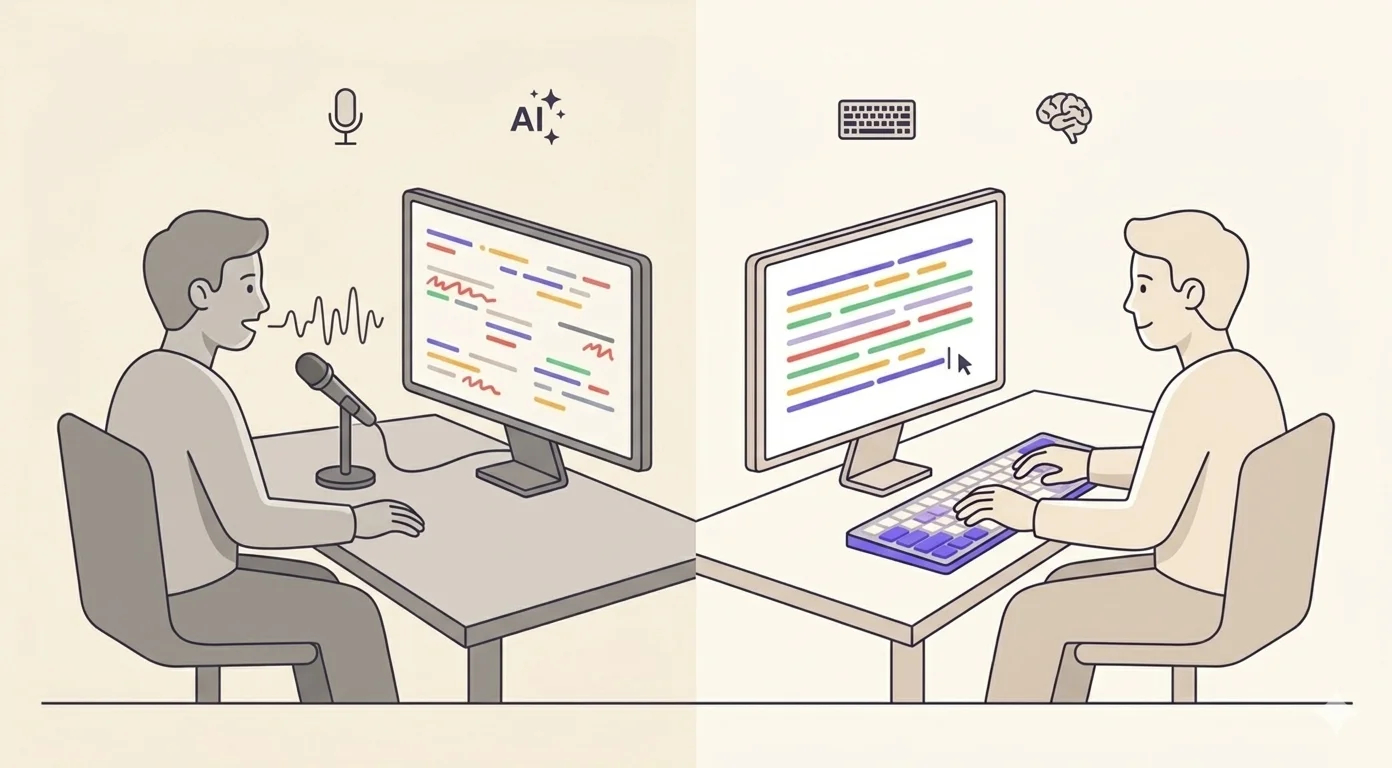
Why Learn to Type When AI Can Write for You?
A fair question. The answer is more nuanced than 'typing still matters.'
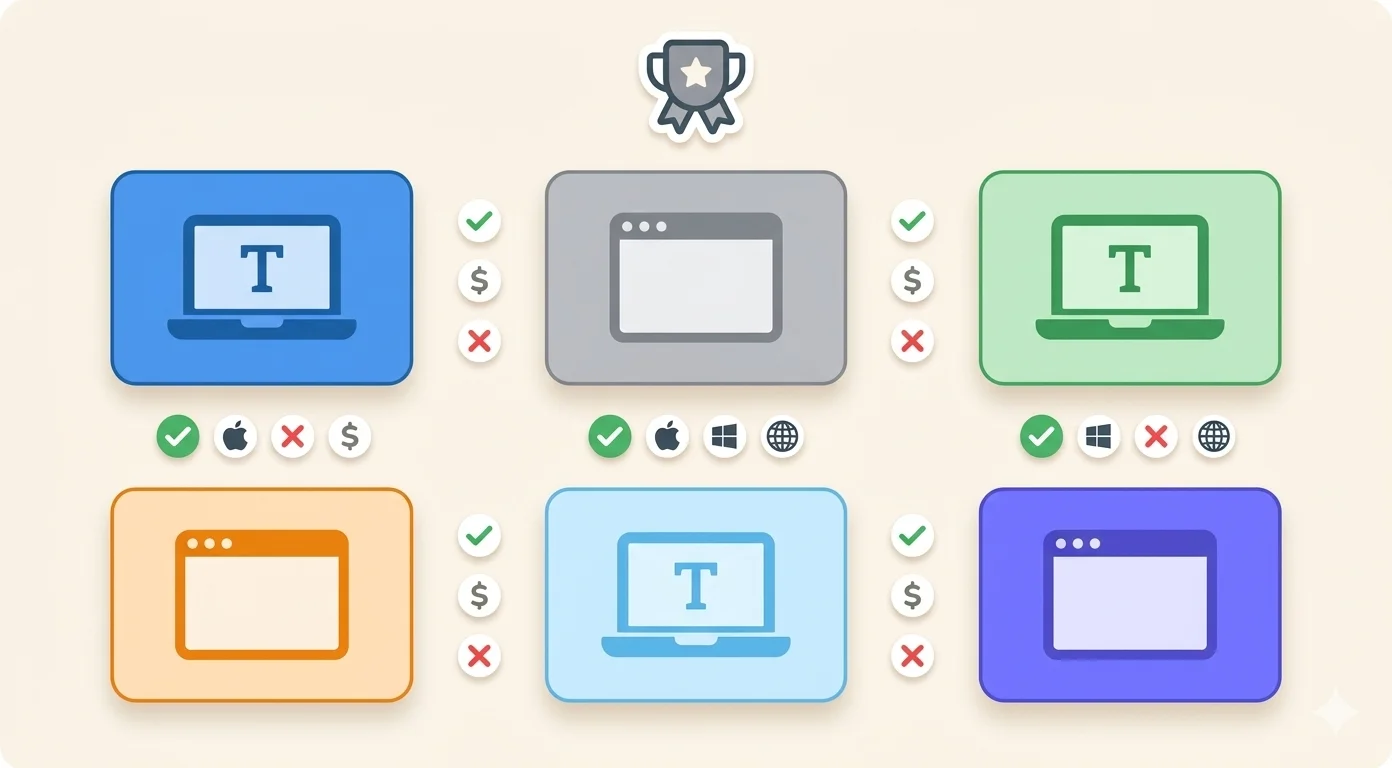
The Best Typing Software in 2026: An Honest Comparison
There are dozens of typing apps. Most roundups are sponsored. Here's what the market actually looks like in 2026.
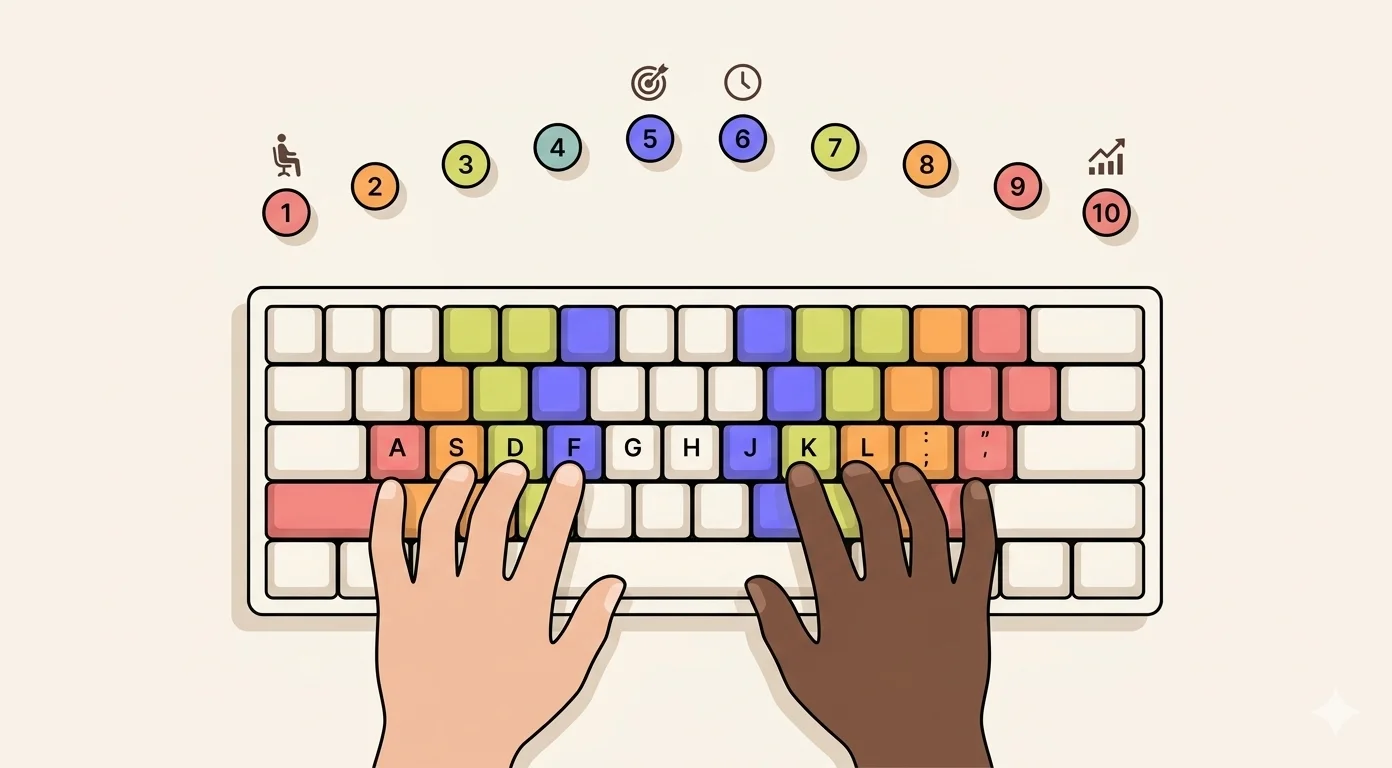
How to Type Faster: 10 Proven Techniques That Actually Work
Most typing advice is vague. Here's what actually moves the needle, in order.
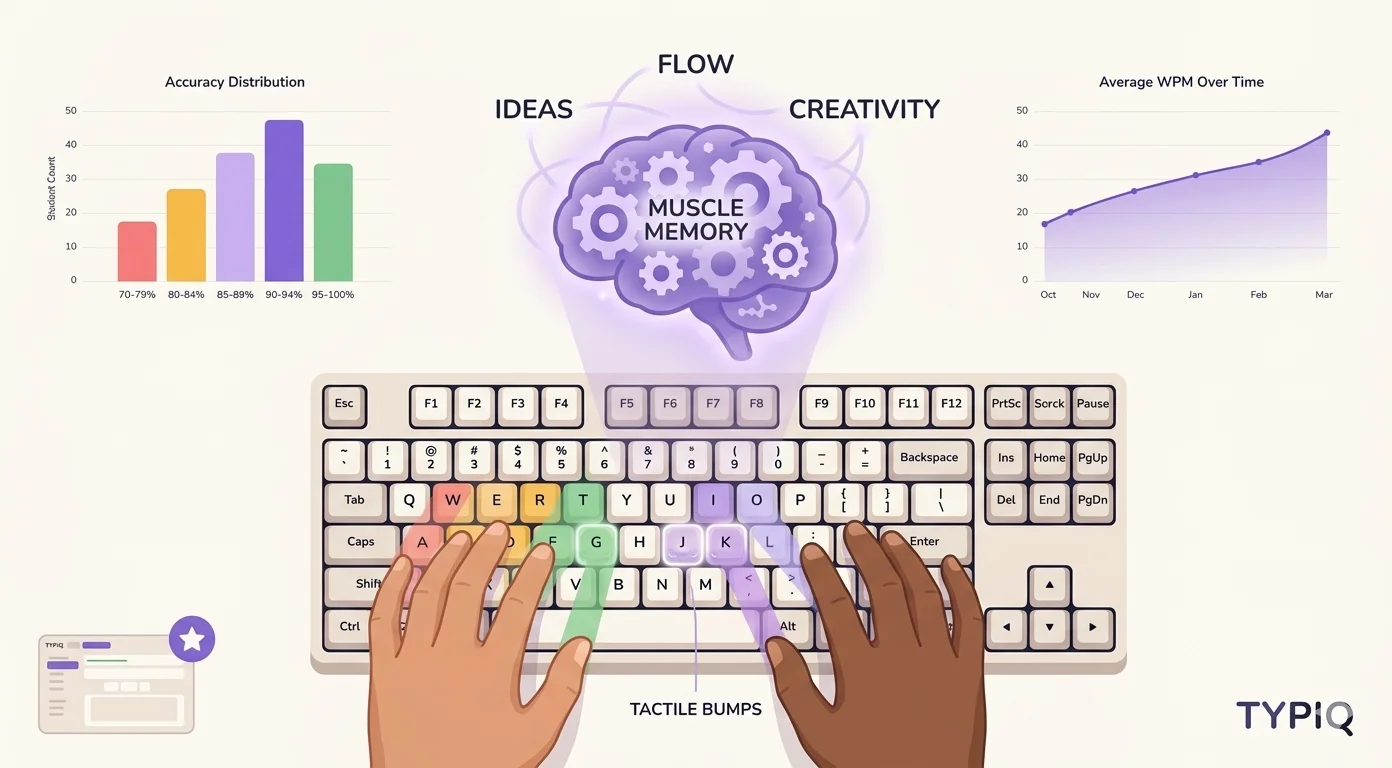
Touch Typing for Beginners: A Complete Step-by-Step Guide
Master the basics of touch typing with our beginner-friendly guide.
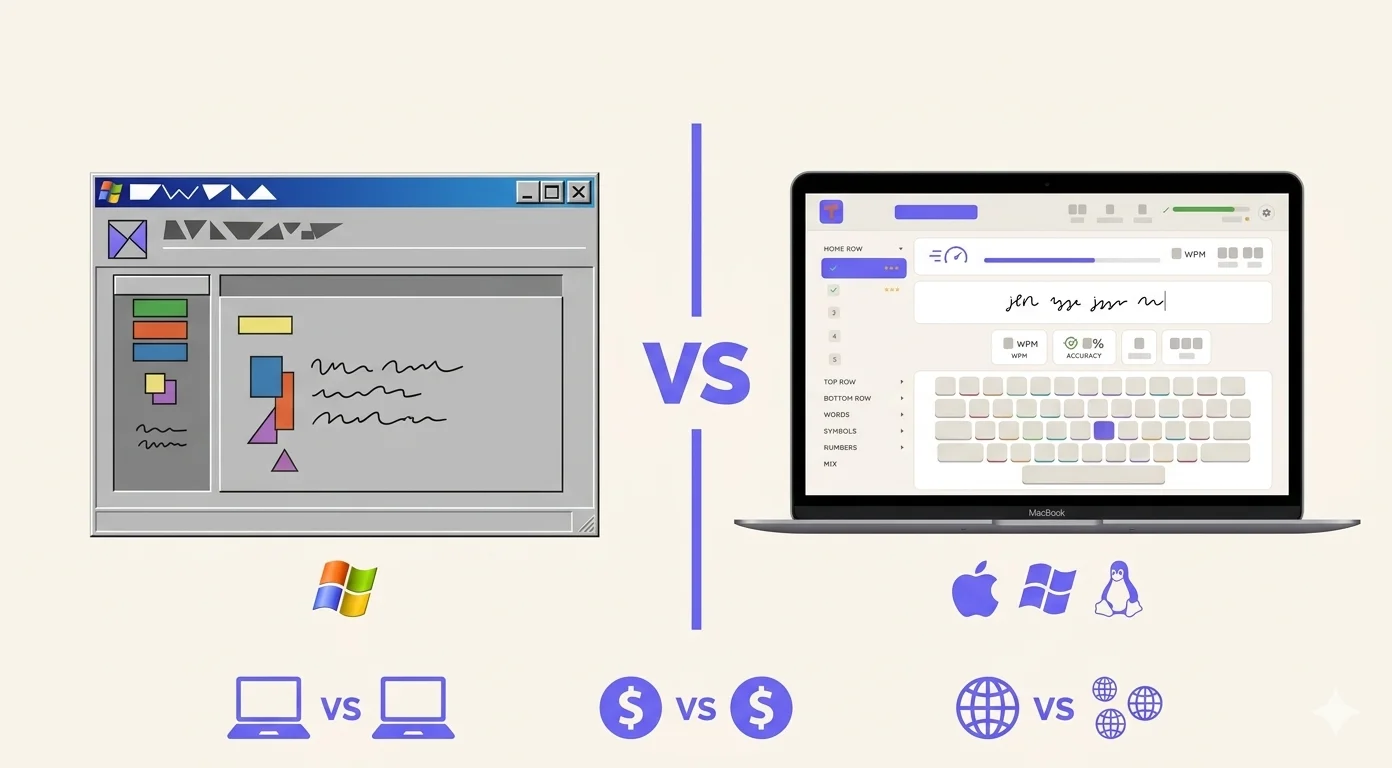
Typiq vs TypingMaster: Which Typing Tutor Is Right for You?
TypingMaster has 30 years of history. Typiq is built for 2026. Here's how they stack up.
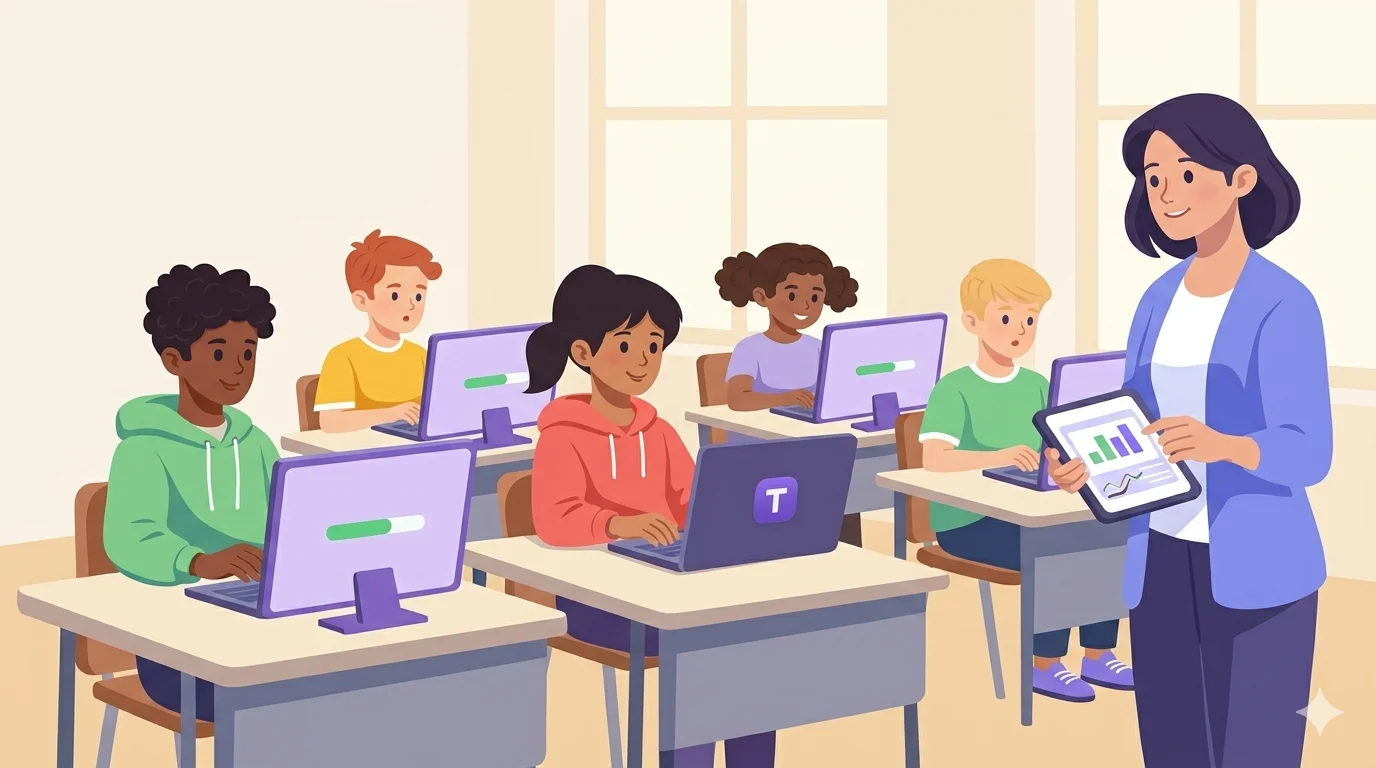
Teaching Typing in Schools: A Guide for Educators
Most students graduate without being able to type properly. Here's how to fix that — with a real curriculum that works.
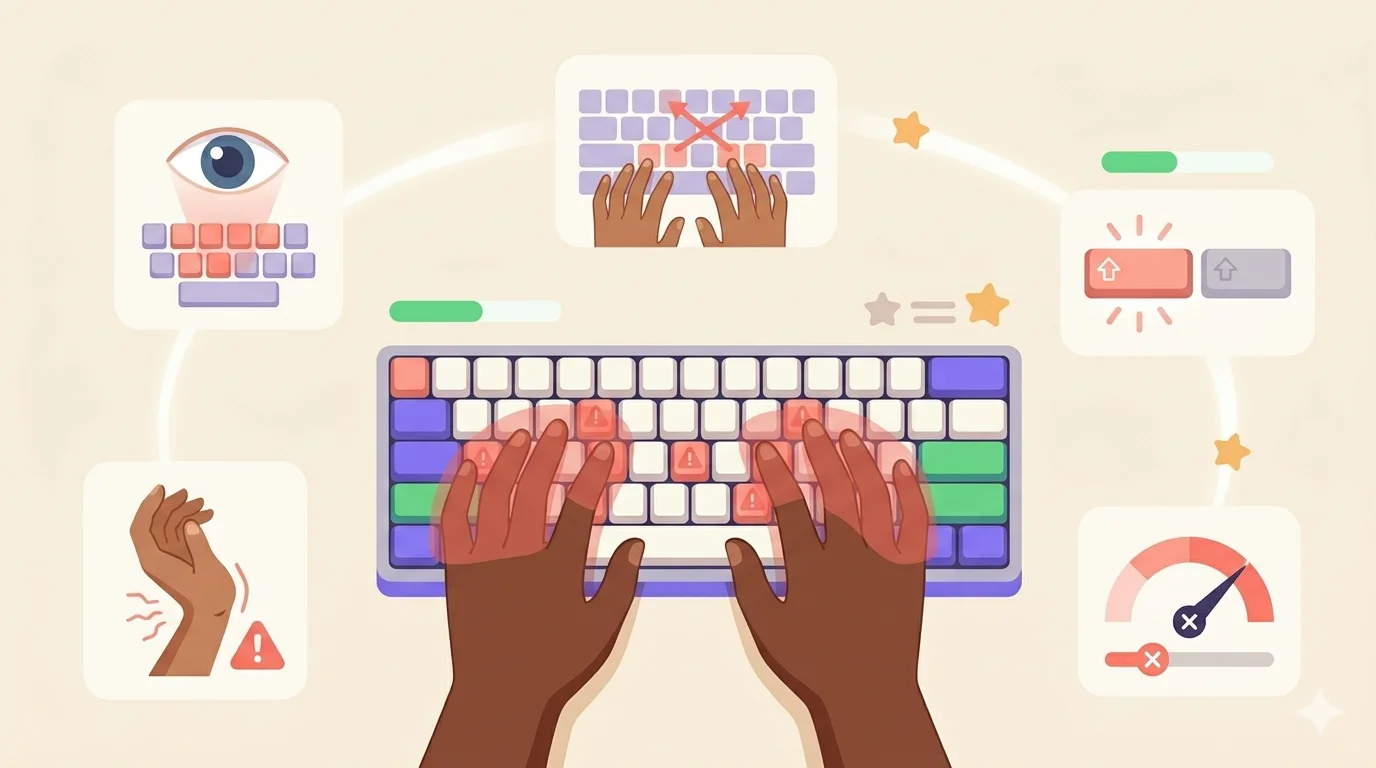
5 Common Typing Mistakes and How to Fix Them
Bad technique is invisible until it costs you. These are the mistakes slowing you down.
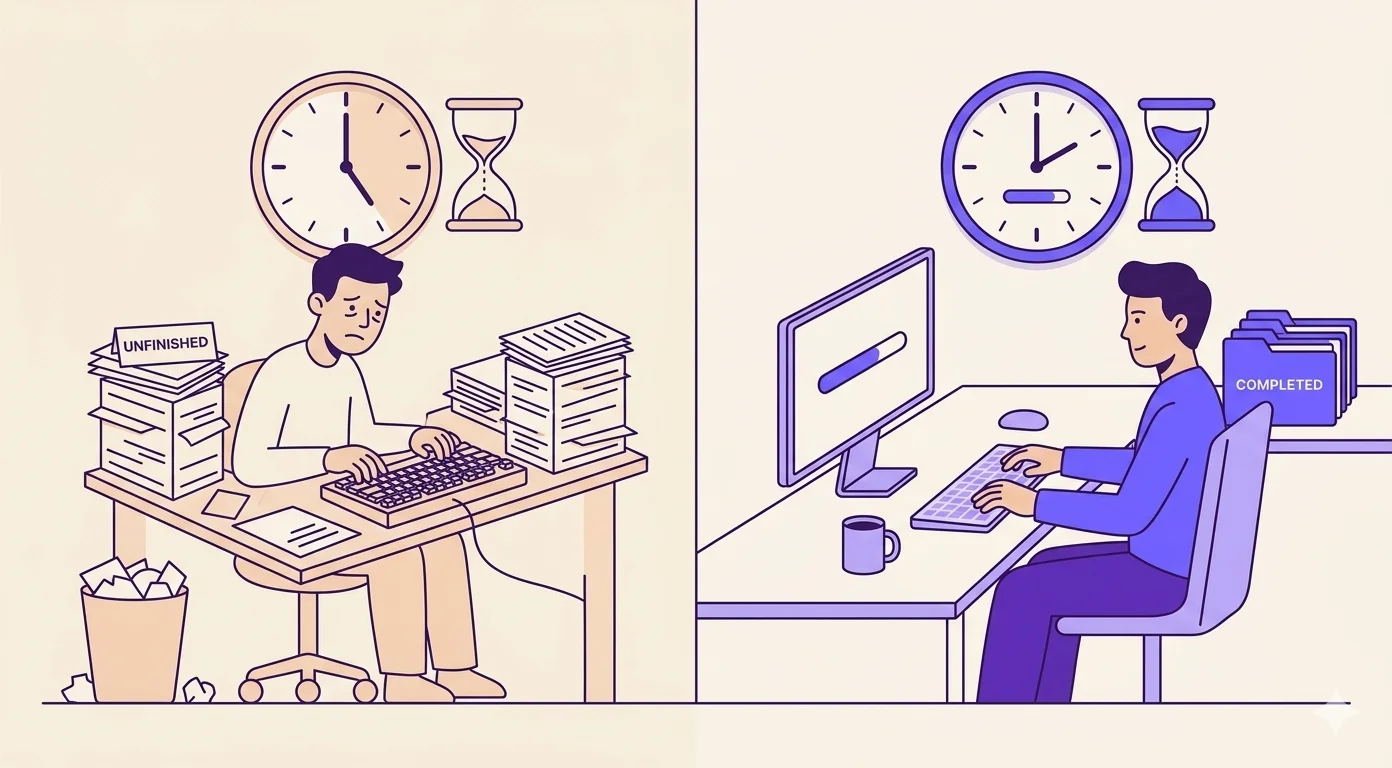
Why Typing Speed Matters More Than You Think
Most people type at 35-40 WPM. That costs you more time than you realize.